
02 / A MORE INTENTIONAL DAY
Scroll down to explore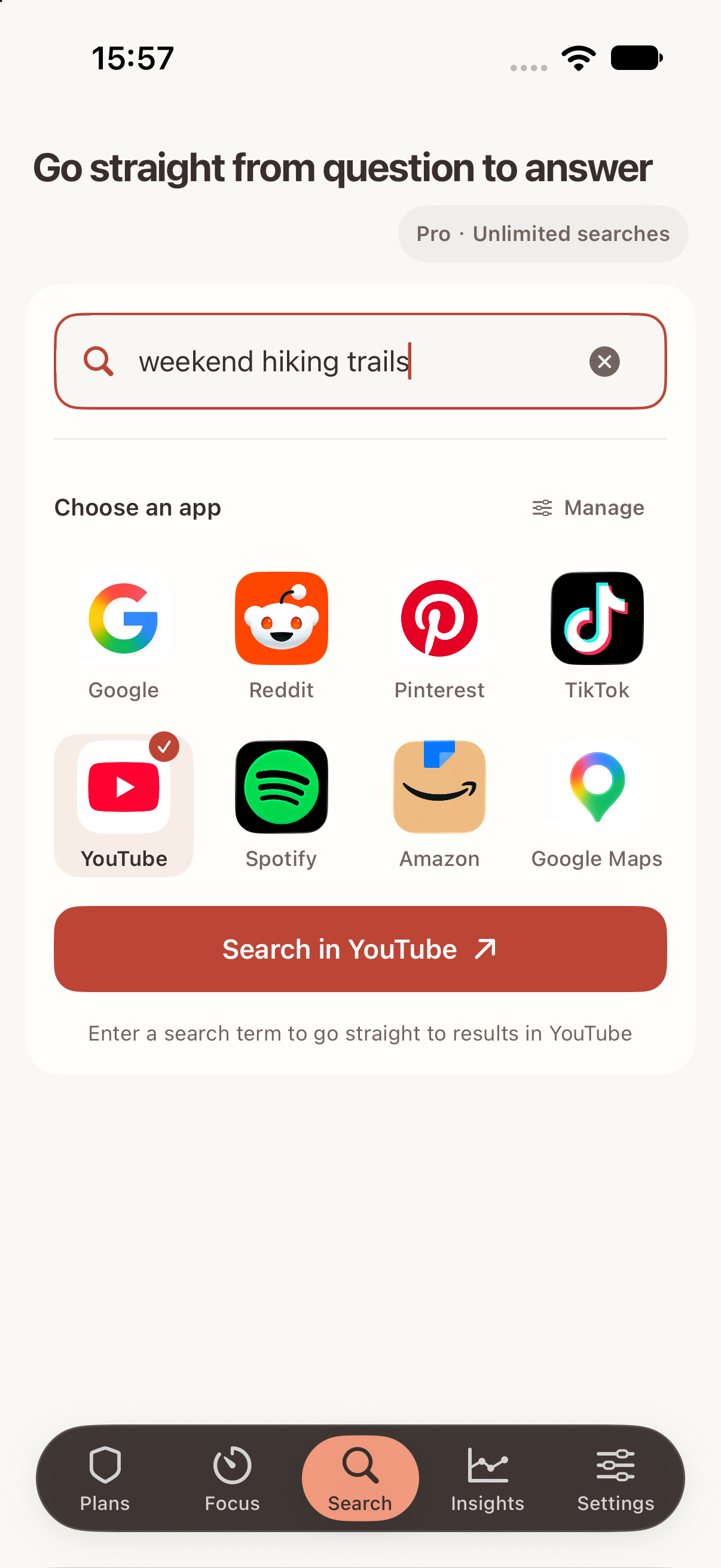
 Skye
Skye
You meant to look something up.
You ended up scrolling.
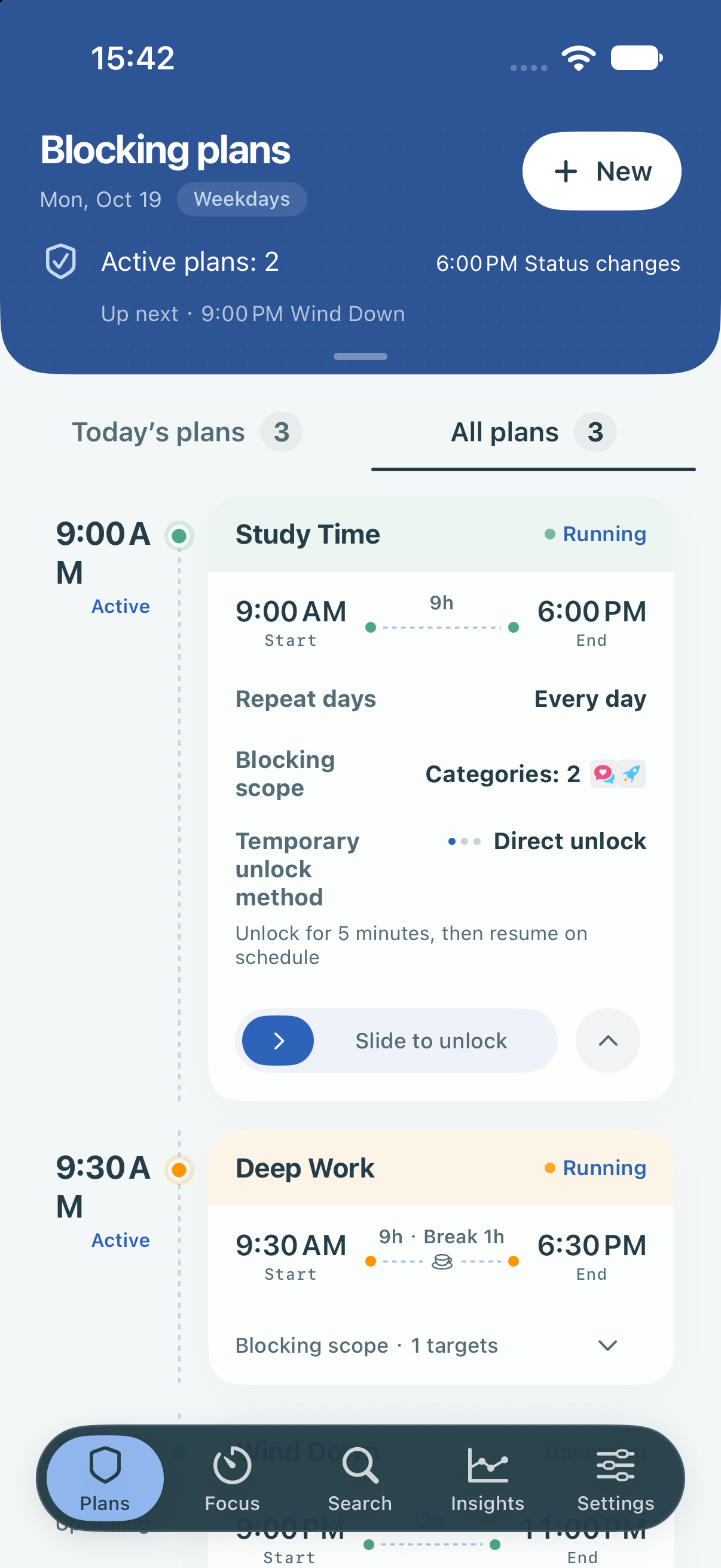
Schedule time away from distracting apps.
Go straight to search when you need it.
Made for iPhone · iOS 18+
Skye 2.0 is available on the App Store.
01 / A FAMILIAR MOMENT
Set boundaries for the times you tend to drift.
When you need to find something, start with a search.
02 / A MORE INTENTIONAL DAY
Scroll down to explore03 / MADE FOR REAL LIFE
Work, holidays, and time to take a break.
Schedules can follow mainland China’s public holidays and adjusted working days, including working weekends.
Build a break into your blocking plan. Pick up again when it ends.
A little more support for focusFocus timer·White noise·Focus history·Achievements
Yes. Skye 2.0 is available on the App Store in the US and mainland China. It requires iOS 18 or later. Start with one free plan and choose Pro if you need more.
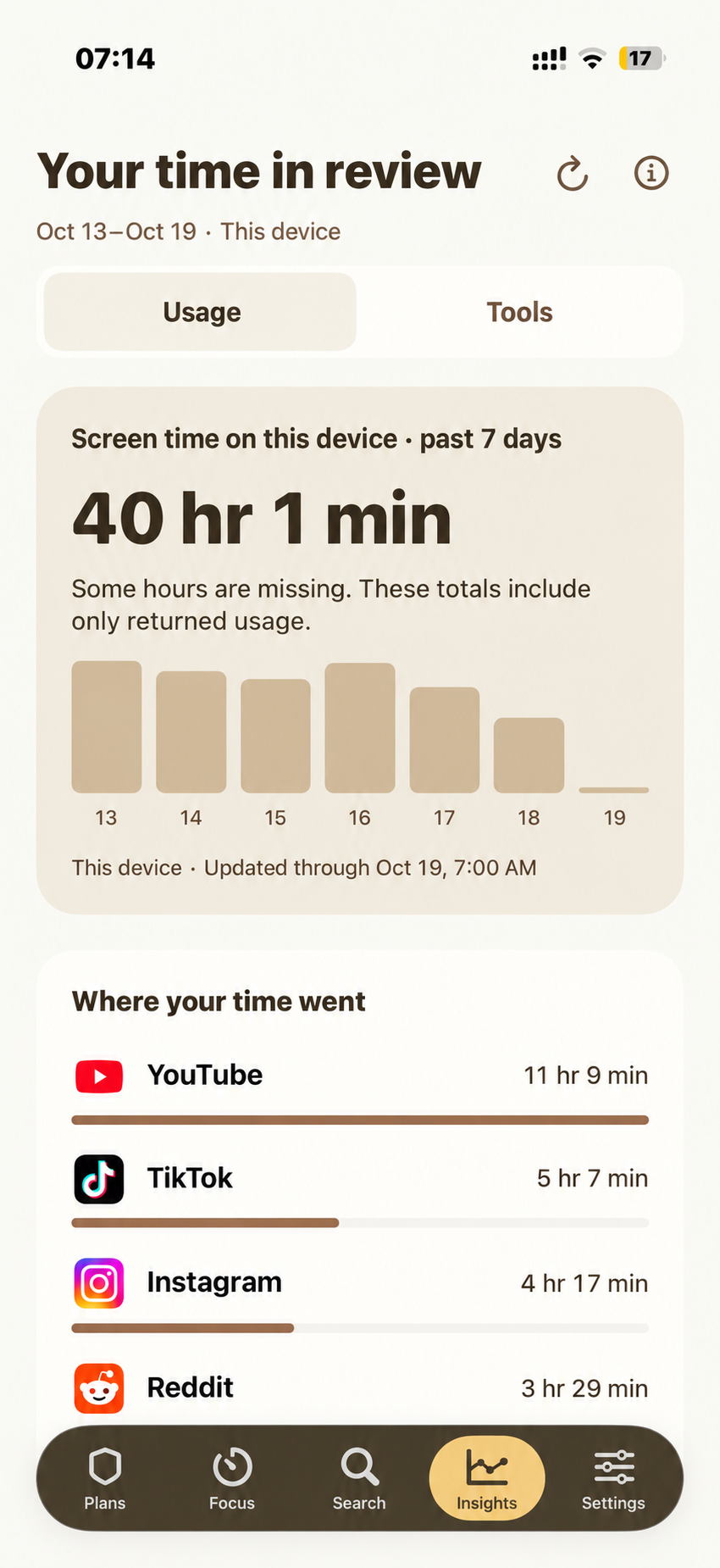
Yes. The free version includes basic app blocking, a focus timer, and a limited number of direct searches. Pro adds more plans, Strict Mode, and screen-time insights. Purchase options are shown in the app.
Skye is designed for iPhone and requires iOS 18 or later. See the App Store listing for compatibility details.
It opens the search page in a supported app or website. That platform provides the results and may still show recommendations.
Skye uses Apple’s Screen Time permission to block apps and show usage reports. You can revoke access in Settings; those features will then stop working.
Your blocking selections and detailed usage of other apps stay on your device. Account features and purchase verification use our servers. Usage analytics are optional. Search queries are sent to the platform you choose.Read our privacy policy ↗
Start with a little more intention.

Skye 2.0 is available on the App Store.